A photo booth rental with boomerang and GIF add-on gives guests a fun, shareable way to capture short looping videos and animated photo strips at weddings, parties, and corporate events, instead of settling for plain still shots. For example, PicsPhotoBooth.com has offered this add-on across the Tri-State region — Southern Indiana, Western Kentucky, and Southern Illinois — since 2014, pairing it with the Digital Booth, Prints, and Pick Up packages. Because guests can share these clips almost instantly, the boomerang and GIF feature tends to generate more energy in a room than a static backdrop ever could. In this guide, you will learn exactly what the add-on includes, how much it costs, and how to book it for your next event.

A photo booth rental with boomerang and GIF add-on keeps guests engaged between meal courses and dancing.
What Is a Photo Booth Rental with Boomerang and GIF Add-On?
A photo booth rental with boomerang and GIF add-on is a $75 upgrade added to any PicsPhotoBooth.com package that lets guests record a short, looping video clip or a multi-frame animated image instead of only a single photo. Guests trigger the capture the same way they would a normal photo, and the finished clip is ready to view and share within seconds.
Specifically, this add-on works with the $300 Digital Booth, the $500 Prints package, and the $199 Pick Up rental, since it lives inside the booth’s capture software rather than requiring separate equipment. As a result, hosts don’t have to choose a specific package just to unlock boomerang and GIF captures. GIF, short for Graphics Interchange Format, is a compressed image file that automatically loops through a short sequence of frames, which is why it plays instantly in text messages and social feeds without needing a video player (see Wikipedia’s overview of the GIF format). A boomerang, by contrast, is a short forward-then-reverse video loop, popularized by social apps and now common in event photo booths.
Because both formats are compact and load quickly, guests can send them from the venue without waiting through a slow upload. For a closer look at the exact mechanics, PicsPhotoBooth.com maintains a dedicated explainer on whether GIF and boomerang captures are available on specific rentals.
How Much Does the Boomerang and GIF Add-On Cost?
The boomerang and GIF add-on costs a flat $75, regardless of whether it’s paired with the Pick Up, Digital Booth, or Prints package. Below is a quick breakdown of what that looks like once combined with each base rental.
| Package | Base Price | With Boomerang & GIF Add-On |
|---|---|---|
| Pick Up (self-serve) | $199 | $274 |
| Digital Booth (11am–11pm) | $300 | $375 |
| Prints (2-hour on-site) | $500 | $575 |
GIF Photo Booth Rental Pricing Notes
In addition to the flat $75 fee, remember that delivery is billed by travel zone: Zone 1 costs $25, Zone 2 costs $50, and Zone 3 costs $75, depending on distance from the home base. Similarly, the Prints package can be extended by the hour at $100 per additional hour if the party runs long. For a full rundown of every optional extra, including backdrops and staffing, see the complete list of available photo booth add-ons.
How Boomerang and GIF Photo Booth Rentals Work
Once the booth is set up, the process is simple enough for guests of any age to use without instructions. First, a guest or small group steps in front of the backdrop and taps the screen to start. Then the camera captures a quick burst of frames, which the software automatically stitches into either a reversing boomerang clip or a looping GIF strip.
Within a few seconds, the finished capture appears on screen, ready to text, email, or air-drop directly from the booth. Meanwhile, with the Digital Booth package, every capture is also saved to a real online gallery, so guests — and the host — can browse and download photos again after the event ends. This is a meaningful difference from a DIY backdrop setup, where guests rely entirely on their own phones and often end up with no shareable or retrievable photos at all.
For a more detailed technical walkthrough, including how file sizes stay small enough to send over cellular data, PicsPhotoBooth.com has published a guide on how the GIF feature works and why guests love it. You can also browse real examples from past events in the photo and GIF gallery.
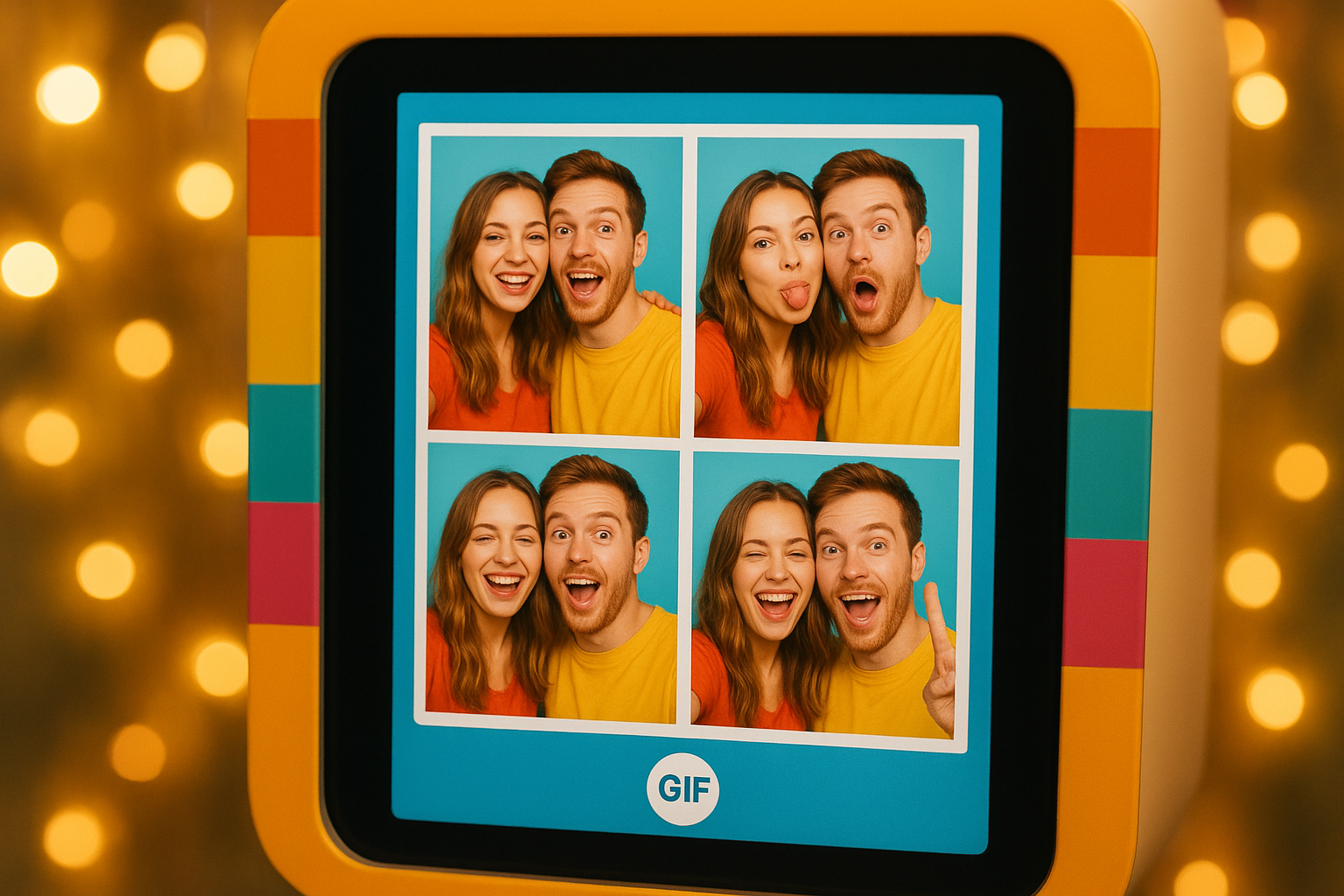
The booth screen processes each GIF capture in seconds before guests share it.
Step-by-Step: Adding a Boomerang and GIF Add-On to Your Event
Booking the add-on is straightforward. Follow these steps to make sure it’s confirmed before your event date.
- Pick your base package. Decide between the Pick Up, Digital Booth, or Prints rental based on your budget and how long you need the booth on-site.
- Request the boomerang and GIF add-on. Mention it during booking so the $75 upgrade gets configured on the booth software ahead of time.
- Confirm venue space and power. Ensure a 10ft by 10ft area with power access, shielded from direct sun and weather.
- Choose any other add-ons. Consider a premium backdrop, prop table, dedicated event Wi-Fi, or a staffed attendant alongside the boomerang and GIF feature.
- Capture and share on event day. Let guests tap the screen throughout the event, then share files instantly or revisit them later through the online gallery.
Where to Book a Photo Booth Rental with Boomerang and GIF Add-On
PicsPhotoBooth.com serves the full Tri-State region, covering Southern Indiana, Western Kentucky, and Southern Illinois. Coverage extends beyond the primary city markets to smaller communities such as Chandler, Fort Branch, Ferdinand, Jasper, Huntingburg, and Haubstadt, Indiana. Delivery is billed by travel zone — Zone 1 at $25, Zone 2 at $50, and Zone 3 at $75 — based on distance from the home base, and the applicable fee is confirmed at booking.
Beyond weddings, this add-on shows up regularly at school dances and formals, corporate holiday parties, car dealership promotions, and mall activations, since a shareable, interactive photo experience tends to add energy to almost any room. To see current availability and package details, visit the main photo booth rental page.
Why Choose PicsPhotoBooth.com for Your GIF Booth Rental?
PicsPhotoBooth.com has completed hundreds of events across the Tri-State region since 2014, giving it a long track record with the boomerang and GIF add-on specifically. Consequently, the team understands common venue quirks, from tight ballroom corners to outdoor tent setups that need extra power planning.
In particular, pairing the add-on with the Digital Booth package means every boomerang and GIF capture lands in a real online gallery afterward, unlike a DIY backdrop where guests rely only on their own phones. As a result, hosts avoid the common letdown of a fun photo moment that nobody can ever find again. For events needing extra hands, a staffed attendant can be added for a two or three-hour block, scheduled at the start or end of the session rather than floating awkwardly through dinner.
Furthermore, this add-on layers easily with other extras, such as a Magic Green-Screen Backdrop, a Premium Red Carpet, or a portable power bank for outdoor spaces. Comparing these options against general industry norms for event entertainment can help hosts budget accurately (per general guidance from Wikipedia’s overview of photo booths).
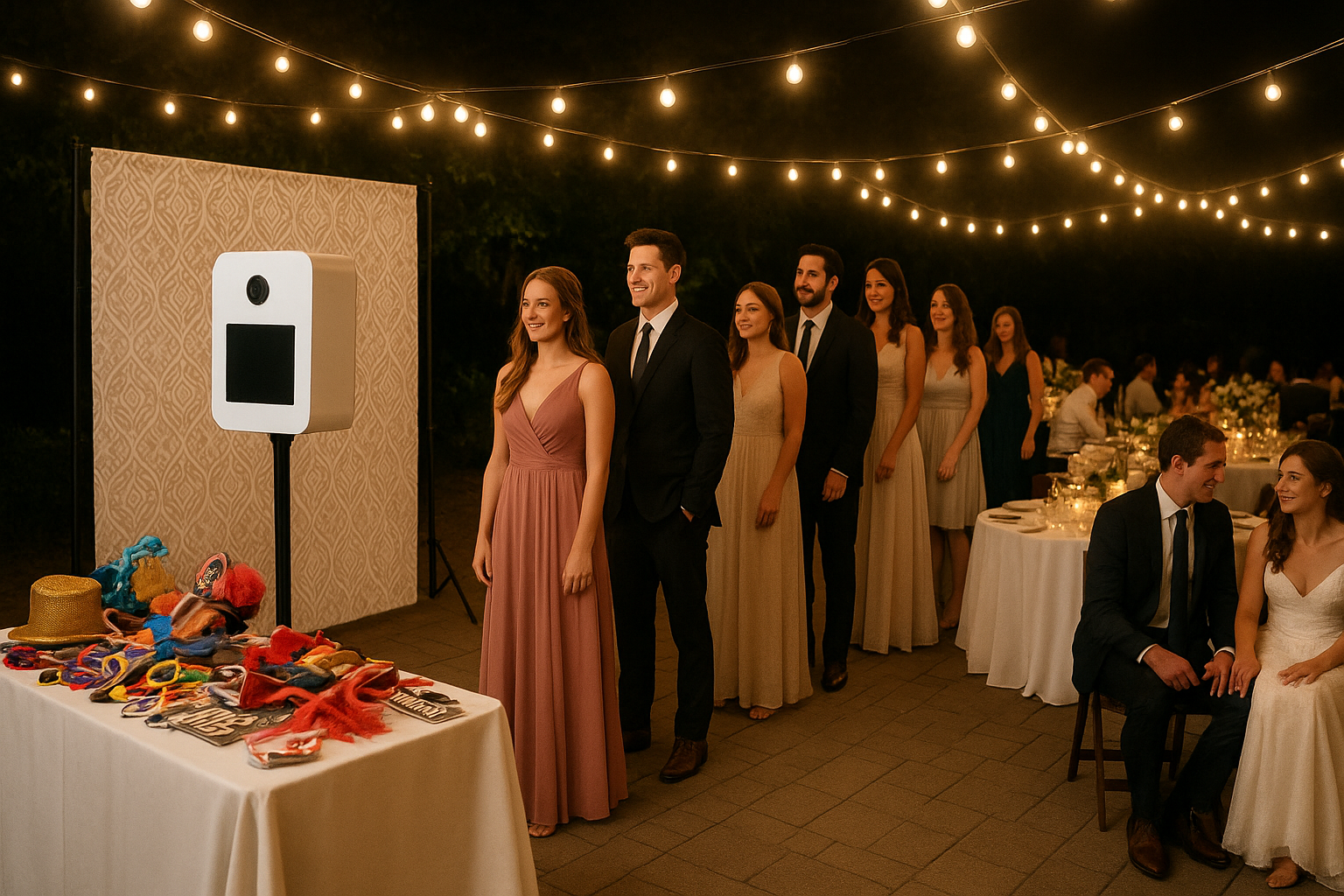
Reception lines often form quickly once guests hear a boomerang and GIF option is available.
Frequently Asked Questions About Photo Booth Rental with Boomerang and GIF Add-On
What is a photo booth rental with boomerang and GIF add-on?
A photo booth rental with boomerang and GIF add-on is a $75 upgrade that lets guests capture short looping videos or multi-frame animated images instead of a single still photo. It pairs with the Digital Booth, Prints, or Pick Up package from PicsPhotoBooth.com.
How much does the boomerang and GIF add-on cost?
The boomerang and GIF add-on costs a flat $75 regardless of which base package it’s attached to. It can be added to the $199 Pick Up, $300 Digital Booth, or $500 Prints package.
Which packages can include the boomerang and GIF add-on?
All three PicsPhotoBooth.com packages — Digital Booth, Prints, and Pick Up — can include the boomerang and GIF add-on for $75. This makes it flexible for both fully staffed events and self-serve rentals.
How does the GIF capture process work at an event?
Guests tap the booth screen, pose through a quick burst of frames, and the software automatically stitches those frames into a looping GIF or boomerang clip. The finished file is ready within seconds and can be sent to a phone or accessed later through an online gallery.
What is the difference between a boomerang and a GIF?
A boomerang is a short video clip that plays forward then instantly reverses, creating a back-and-forth loop. A GIF, on the other hand, is a compressed image file that cycles through a set sequence of still frames continuously.
Can guests share their boomerang and GIF photos on social media?
Yes, guests can typically text or email their captures directly from the booth screen for instant sharing. With the Digital Booth package, the same files are also stored in an online gallery for later downloading.
Do I need Wi-Fi for the boomerang and GIF add-on to work?
The booth itself captures and processes boomerang and GIF files without needing internet access. However, sharing captures by text or email at the venue works best with dedicated event Wi-Fi, available as a $50 add-on.
How far in advance should I book a photo booth rental with boomerang and GIF add-on?
Popular dates such as wedding season weekends and school formal nights fill up months ahead, so booking 60 to 90 days in advance is a safe practice. Smaller or weekday events, such as corporate parties, can often be booked with shorter notice.
What’s a common mistake people make when adding boomerang and GIF capture?
A common mistake is skipping the online gallery option and relying only on guests’ personal phones to save their captures. Without a shared gallery, many boomerang and GIF clips are never retrieved after the event ends.
Is the boomerang and GIF add-on available outside weddings?
Yes, the boomerang and GIF add-on works well at school dances, corporate holiday parties, car dealership promotions, and mall activations. It’s popular anywhere organizers want a shareable, interactive photo experience.
What space is required to set up a boomerang and GIF photo booth?
The booth needs a 10ft by 10ft footprint with access to power, positioned out of direct sunlight and away from the elements. Once placed, it stays in that spot for the duration of the event.
Does PicsPhotoBooth.com serve areas outside major cities?
Yes, PicsPhotoBooth.com covers the full Tri-State region, including smaller communities like Chandler, Fort Branch, Ferdinand, Jasper, Huntingburg, and Haubstadt, Indiana. Delivery fees are organized by travel zone, ranging from $25 to $75.
Why choose a staffed attendant with the boomerang and GIF add-on?
A staffed attendant helps guests understand the boomerang and GIF controls quickly, which keeps the line moving during busy stretches of an event. Attendant blocks are scheduled for two or three hours at the start or end of the session, and idle time such as a dinner break bills at $50 per hour.
Final Thoughts
In summary, a photo booth rental with boomerang and GIF add-on is a simple, affordable way to make any wedding, party, or corporate event more interactive. For $75 on top of the Pick Up, Digital Booth, or Prints package, guests get looping video clips and animated photo strips they can share instantly or find later in a real online gallery. Above all, that combination of ease and shareability is exactly why the add-on has become a regular request across the Tri-State region since PicsPhotoBooth.com began offering it in 2014. If you’re planning an upcoming event, reach out through PicsPhotoBooth.com to check availability and lock in your preferred package.