A photo booth rental with dedicated Wi-Fi gives your event its own private internet connection, so it never has to compete with a venue’s shared network or a guest’s spotty cell signal. This matters more than most hosts realize because a shared connection can slow to a crawl once fifty or more people try to upload photos, videos, and social posts at the same moment. PicsPhotoBooth.com has served the Tri-State region — Southern Indiana, Western Kentucky, and Southern Illinois — since 2014, and it offers dedicated event Wi-Fi as a fifty dollar add-on across its rental packages. Below, you’ll find a complete breakdown of what dedicated Wi-Fi actually does, why it matters more than people assume, exactly how much bandwidth a photo booth needs, and how to add it to your event with confidence.
Quick answer: A photo booth rental with dedicated Wi-Fi connects the booth to its own private wireless network, completely separate from the venue’s guest network, so photos land in the online gallery reliably no matter how crowded the event gets. It’s available as a $50 add-on to the Digital Booth or Prints packages, and it can even be added to the self-serve Pick Up rental.
What Is a Photo Booth Rental With Dedicated Wi-Fi?
A photo booth rental with dedicated Wi-Fi is a booth setup that connects to its own private wireless network instead of sharing bandwidth with everyone else at the venue. In simple terms, the booth gets a dedicated Wi-Fi connection — a wireless local network that lets devices send data without cables — reserved just for photo uploads. This is fundamentally different from a typical photo booth rental that piggybacks on a hotel router, a banquet hall’s guest network, or a backyard modem shared by dozens of phones.
Consequently, guests see their photo appear in the online gallery within seconds rather than waiting minutes or watching an upload spin and fail. For events held in barns, older buildings, or outdoor tents where signal is already weak, this add-on can be the single difference between a smooth, shareable photo experience and a frustrating one that leaves guests without their pictures.
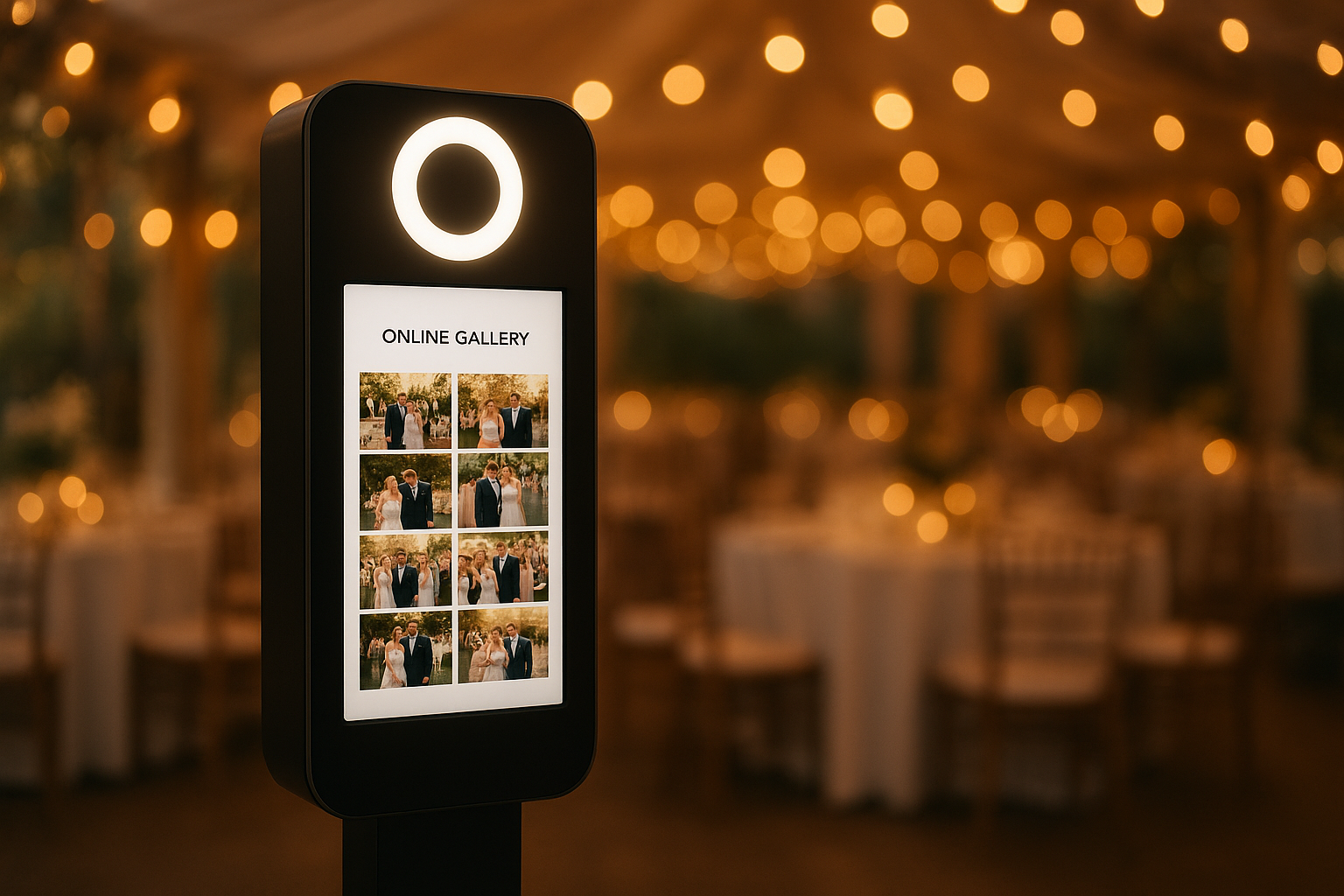
A photo booth rental with dedicated Wi-Fi keeps uploads fast even in crowded reception halls.
Dedicated Wi-Fi vs. Venue Wi-Fi vs. Mobile Hotspots
Before booking any add-on, it helps to understand the three ways a photo booth can get online. Each option behaves very differently once a room fills up with guests, so the table below breaks down the real trade-offs.
| Connection Type | Reliability | Best For |
|---|---|---|
| Venue’s shared Wi-Fi | Low once guests connect en masse | Small gatherings under 30 guests |
| Personal phone hotspot | Inconsistent; drains battery, data caps apply | Backup only, not primary use |
| Dedicated event Wi-Fi | High — reserved solely for the booth | Weddings, corporate events, large crowds |
In other words, a dedicated connection isn’t just a nice-to-have upgrade — it’s the only option in this list built specifically to withstand a room full of people uploading at once. That distinction is exactly what a photo booth rental with dedicated Wi-Fi is designed to solve.
Why Dedicated Event Wi-Fi Matters More Than You’d Think
Above all, dedicated Wi-Fi solves a problem most hosts don’t anticipate until it’s too late: network congestion. When dozens of guests connect to the same venue router to post photos, stream music, or check messages, the available bandwidth gets divided among all of them. As a result, the photo booth’s uploads compete with everyone else’s traffic and can stall completely.
The Wi-Fi Alliance, the industry group that certifies wireless standards, notes that network performance degrades noticeably when many devices compete for the same channel at once — a common scenario at receptions with a hundred or more guests. Therefore, a connection reserved solely for the booth avoids that bottleneck entirely, instead of hoping the venue’s router can keep up.
In particular, this matters most for the Digital Booth package, which relies on a live online gallery so guests can browse and download photos after the event ends. Without a stable connection, that gallery feature loses much of its value. Similarly, corporate activations and mall promotions often take place in spaces with unreliable public Wi-Fi, which makes this add-on well worth considering there too.
How Much Bandwidth Does a Photo Booth Actually Need?
Most hosts never ask this question, yet it explains exactly why dedicated Wi-Fi solves the problem so effectively. A single high-resolution photo typically runs between 2 and 8 megabytes, while a short GIF or boomerang clip can easily reach 10 to 20 megabytes. Multiply that by dozens of guests uploading within the same ten-minute window, and even a modest event can generate hundreds of megabytes of simultaneous upload traffic.
According to the FCC’s broadband speed guide, a federal resource on internet performance, activities like video calling and large file uploads require consistently higher speeds than basic browsing — and a shared venue connection was rarely built with that kind of simultaneous demand in mind. Specifically, a hotel or banquet hall network is usually sized for guests checking email, not for a booth pushing a continuous stream of images to the cloud.
Meanwhile, a dedicated connection reserves consistent throughput just for the booth’s traffic. Consequently, every capture — whether it’s a still photo, a Boomerang, or a GIF — reaches the online gallery in seconds rather than competing with a hundred other devices for the same slice of bandwidth.
Photo Booth Packages That Pair Well With Dedicated Wi-Fi
The Digital Booth package costs $300 and runs from 11am to 11pm with full delivery and setup included. Because it offers unlimited digital captures and a real online gallery, dedicated Wi-Fi is especially useful here, ensuring every photo reaches the gallery without delay across the full twelve-hour window.
The Prints package costs $500 for a 2-hour on-site rental, available Sunday through Friday, and can be extended by the hour for $100. Even though guests take home physical prints the same night, many hosts still add dedicated Wi-Fi so the digital copies also make it to the online gallery reliably for later sharing.
The Pick Up package, priced at $199, is a self-serve rental with flexible drop-off and pickup scheduled around the event. Since it relies on someone at the event turning the booth on and off, dedicated Wi-Fi can still be added if reliable uploads matter for that particular gathering — for instance, an outdoor graduation party at a home with weak router range.
If you’re still comparing options, browse the full photo booth rental lineup to see how each package fits your headcount, venue, and budget before deciding which one to pair with the Wi-Fi add-on.
How to Add Dedicated Wi-Fi to a Photo Booth Rental in 5 Steps
Adding dedicated Wi-Fi to a photo booth rental is straightforward. Specifically, follow these steps when booking your event:
- Choose either the Digital Booth or Prints package, since dedicated Wi-Fi pairs best with rentals that upload photos to a live online gallery throughout the event.
- Request the dedicated Wi-Fi add-on when booking, which adds a flat fifty dollar fee for a private wireless connection reserved solely for the booth.
- Confirm the venue can provide a ten foot by ten foot space with access to a power outlet, kept away from direct sunlight and weather.
- Verify which delivery zone applies to your event location, since setup fees range from twenty five to seventy five dollars depending on distance from the home base.
- On event day, have the attendant or self-serve host confirm the dedicated network is active before guests arrive so uploads run smoothly all night long.
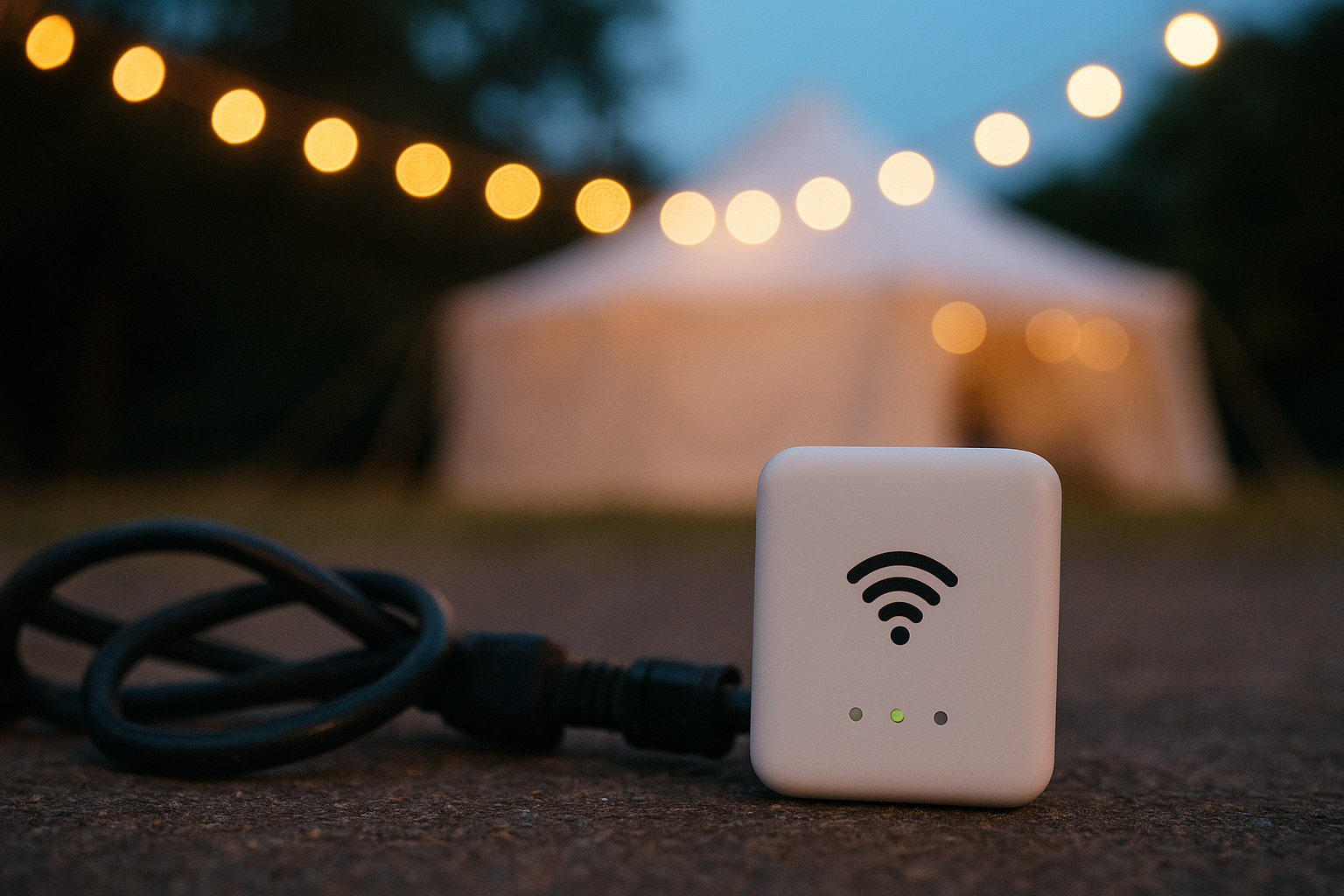
A dedicated router keeps the booth’s connection separate from the venue’s guest network.
Real Venues Where Dedicated Wi-Fi Makes the Biggest Difference
Not every venue struggles with connectivity, but some are notorious for it. Older banquet halls with thick concrete walls, converted barns, outdoor tents on rural property, and country clubs with limited router coverage in ballroom wings all tend to bottleneck a shared network fast. For example, a wedding at a property like Rolling Hills Country Club can involve a ballroom full of guests streaming and posting at once, which is precisely the kind of environment where a private connection keeps the photo booth performing exactly as promised.
Similarly, mall activations, car dealership promotions, and school gymnasiums often sit far from the nearest router, or share bandwidth with security cameras and point-of-sale systems. In these settings, dedicated Wi-Fi isn’t a luxury — it’s often the only way to guarantee the online gallery actually works throughout the event.
Other Popular Photo Booth Add-Ons in the Tri-State Region
Beyond dedicated Wi-Fi, hosts across the Tri-State area frequently pair their booth rental with several other extras:
- Magic Green-Screen Backdrop — $50
- Premium 8×8 Backdrop — $100
- Boomerang and GIF capture — $75
- Premium Red Carpet with stanchions — $100
- Prop table — $50
- Portable power bank — $75
- Individual head cut-outs — $20 each
In addition, many hosts combine dedicated Wi-Fi with the power bank add-on for outdoor events where an electrical outlet isn’t guaranteed nearby. Together, these two add-ons essentially make the booth fully independent of the venue’s infrastructure.
Photo Booth Rental Costs and Wi-Fi Add-On Pricing
| Item | Price |
|---|---|
| Pick Up package | $199 |
| Digital Booth package (11am–11pm) | $300 |
| Prints package (2 hours) | $500 |
| Extra hour (Prints package) | $100/hr |
| Delivery Zone 1 / 2 / 3 | $25 / $50 / $75 |
| Dedicated event Wi-Fi add-on | $50 |
For hosts comparing options on a budget, it’s worth reading how affordable photo booth rental pricing works without sacrificing quality, since add-ons like Wi-Fi can be selected only when they genuinely improve the guest experience rather than added by default.
Where PicsPhotoBooth.com Delivers Wi-Fi Photo Booth Rentals
PicsPhotoBooth.com covers the full Tri-State region, including Southern Indiana, Western Kentucky, and Southern Illinois. Smaller communities such as Chandler, Fort Branch, Ferdinand, Jasper, Huntingburg, and Haubstadt are served in addition to the larger city markets nearby.
Whether the event is a wedding, a school dance, a corporate holiday party, a car dealership promotion, or a mall activation, dedicated Wi-Fi can be added anywhere in this service area. For full package details and current availability, visit PicsPhotoBooth.com directly.
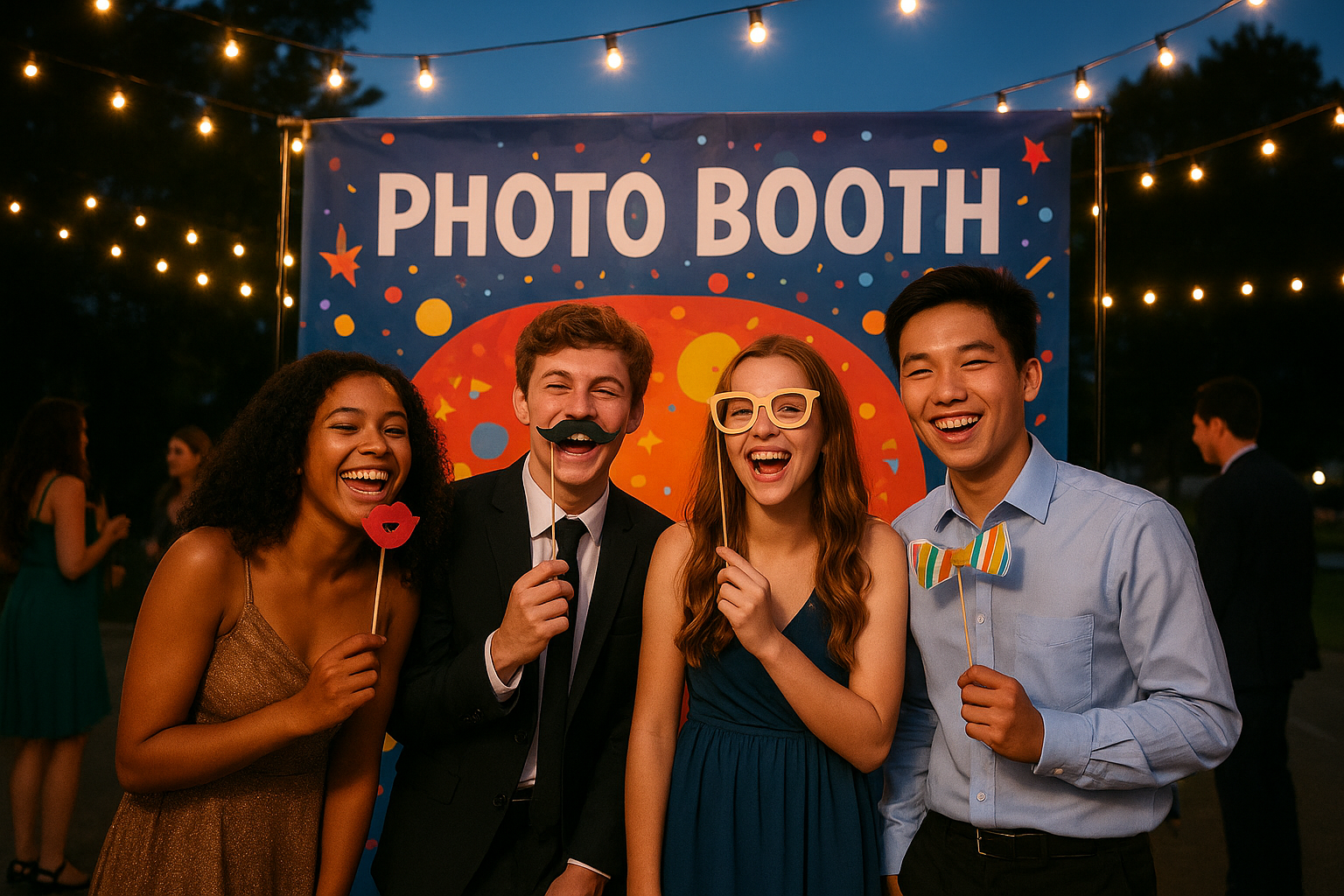
Photo booth rentals bring shareable energy to weddings, dances, and corporate events alike.
Photo Booth Rental With Dedicated Wi-Fi vs. DIY Backdrops
Some hosts consider skipping a booth entirely and setting up a DIY backdrop where guests use their own phones. However, this approach depends entirely on each guest’s personal signal, and photos rarely end up in one shared place. In contrast, a professional photo booth rental with dedicated Wi-Fi centralizes every capture into a single online gallery that anyone can revisit later.
Furthermore, a DIY setup offers no props, no branded overlays, and no guarantee that anyone actually shares their photo with the host afterward. A rented booth, backed by a private connection, solves both the technical and the organizational problem at once — guests get instant access, and the host gets every photo in one gallery instead of scattered across dozens of phones.
Frequently Asked Questions About Photo Booth Rental With Dedicated Wi-Fi
What is a photo booth rental with dedicated Wi-Fi?
A photo booth rental with dedicated Wi-Fi is a booth that connects to its own private wireless network instead of a shared venue connection. PicsPhotoBooth.com offers this as a $50 add-on so photos upload to the online gallery quickly, even at busy events.
How much does a photo booth rental cost?
Photo booth rental with PicsPhotoBooth.com starts at $199 for the self-serve Pick Up package. The Digital Booth costs $300 for an 11am–11pm rental, and the Prints package costs $500 for 2 hours of on-site printing.
What’s included in the Digital Booth package?
The Digital Booth package costs $300 and includes full delivery and setup, an 11am–11pm rental window, unlimited digital photo captures, and access to an online gallery for browsing and downloading photos after the event.
What’s included in the Prints package?
The Prints package costs $500 and includes a 2-hour on-site rental with live photo printing, available Sunday through Friday. It can be extended by the hour for $100 per additional hour.
How does the self-serve Pick Up package work?
The Pick Up package costs $199 and is a self-serve rental with flexible drop-off and pickup scheduled around the event date. Someone at the event must know how to turn the booth on and off.
Can I add a staffed attendant to my rental?
Yes, both the Digital Booth and Prints packages can include a staffed attendant for a 2-hour or 3-hour block. Idle time during the session, such as a dinner break, bills at $50 per hour.
Why does dedicated Wi-Fi matter for a photo booth rental?
Dedicated Wi-Fi matters because shared venue networks often slow down when many guests upload photos and videos at once. A private connection keeps the booth’s online gallery uploading reliably throughout the entire event, which is the core benefit of a photo booth rental with dedicated Wi-Fi.
How much does it cost to add dedicated Wi-Fi to a rental?
Dedicated event Wi-Fi is available as an add-on for $50 on top of any PicsPhotoBooth.com package, including the Digital Booth, Prints, and Pick Up rentals.
Does dedicated Wi-Fi work outdoors or at venues with weak cell signal?
Yes. Dedicated Wi-Fi is specifically useful outdoors, in barns, and in older buildings where cell signal and venue routers are unreliable, since it creates a private network independent of the surrounding infrastructure.
Is the dedicated Wi-Fi network private and secure?
Yes. The dedicated network is reserved solely for the photo booth’s uploads and is not shared with guests, which keeps it separate from general venue traffic and reduces the chance of interference or slowdown.
What add-ons are available for a photo booth rental?
Add-ons include a Magic Green-Screen Backdrop ($50), Premium 8×8 Backdrop ($100), Boomerang and GIF capture ($75), Premium Red Carpet with stanchions ($100), a prop table ($50), a portable power bank ($75), dedicated event Wi-Fi ($50), and head cut-outs ($20 each).
What areas does PicsPhotoBooth.com serve?
PicsPhotoBooth.com serves the Tri-State region, covering Southern Indiana, Western Kentucky, and Southern Illinois, including smaller communities such as Chandler, Fort Branch, Ferdinand, Jasper, Huntingburg, and Haubstadt, Indiana.
What space is needed to set up a photo booth?
A photo booth setup requires a 10ft by 10ft space with access to power, positioned out of direct sunlight and protected from the elements for the full event.
Why choose a professional photo booth over a DIY backdrop setup?
A professional photo booth with an online gallery ensures guests can find and download their photos later. DIY backdrops relying on guests’ phones often produce photos that never get shared or retrieved.
How long has PicsPhotoBooth.com been in business?
PicsPhotoBooth.com has served the Tri-State region since 2014, completing hundreds of events over the years.
Final Thoughts
In summary, a photo booth rental with dedicated Wi-Fi keeps your event’s photo-sharing experience fast and dependable, no matter how many guests are connected at once. Whether you choose the Digital Booth, the Prints package, or the self-serve Pick Up option, adding dedicated Wi-Fi for a modest fee helps ensure every photo actually reaches your guests instead of stalling in an upload queue. For pricing, availability, and booking across the Tri-State region, visit picsphotobooth.com to get started.